Parameters and types
How the parameters of your method become the parameters of the command.
From a method to a syntax
The parameters of the method are the parameters of the command. What is typed is converted to their types before your method runs, and the syntax is made from the signature:
enum Quality { Low, Medium, High }

[Command("spawn")]
[CommandSummary("Spawn enemies")]
static void Spawn(
    [ParamInfo("The prefab to spawn")] string prefab,
    int count = 1,
    [Shortcut('l')] Quality level = Quality.Medium,
    [Shortcut('b')] bool boss = false)
{
    // ...
}
> help spawn
spawn <prefab> [--count intValue] [--level -l qualityValue] [--boss -b]
Spawn enemies
prefab (text): The prefab to spawn
count (integer, default 1)
level (Low | Medium | High, default Medium)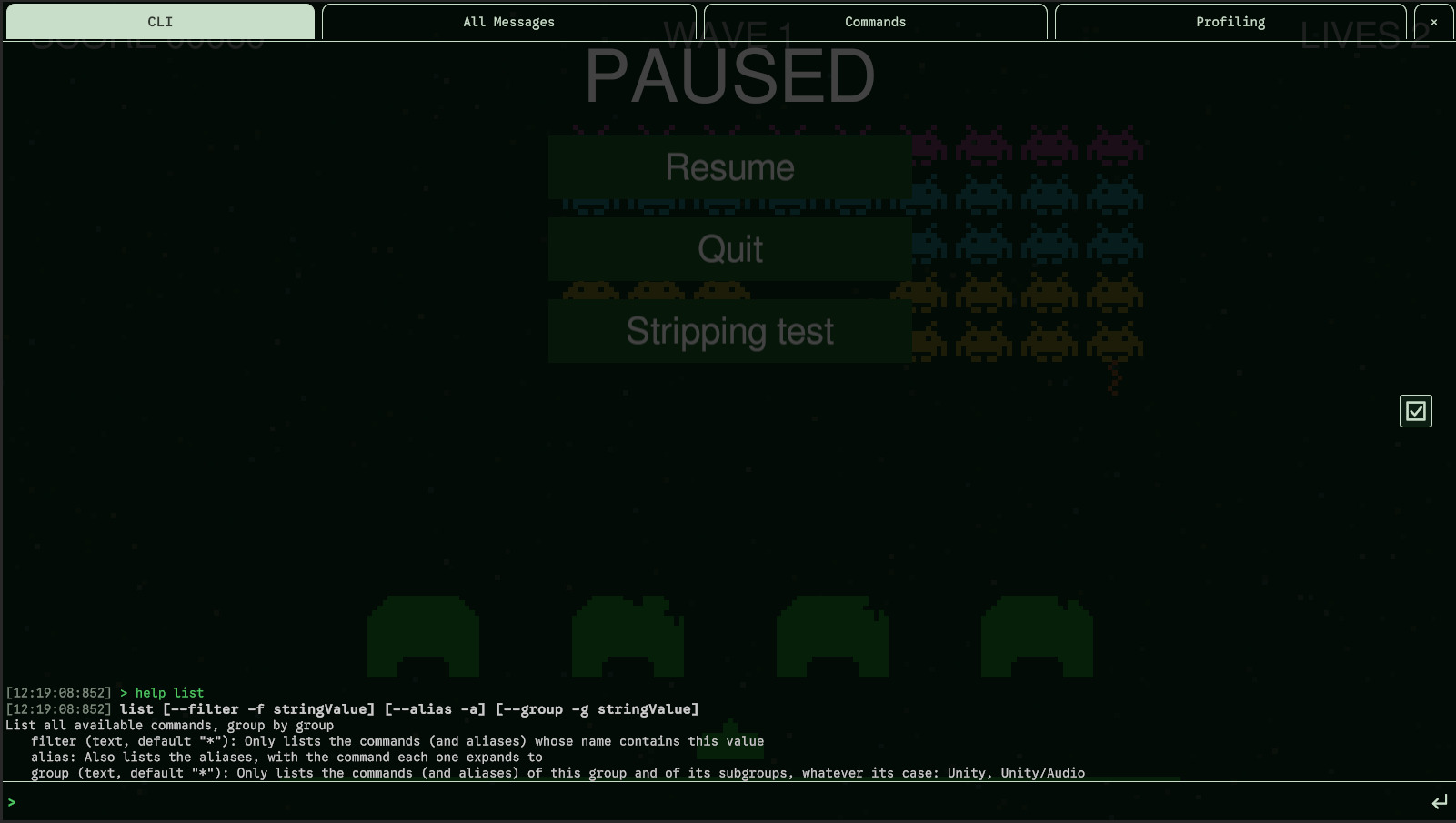
Required and optional
- A parameter without a default value is required, shown
<prefab>. Give the required parameters in order, or by name (--prefab goblin). A value without a name fills the first required parameter not given yet. - A parameter with a default value is optional, shown
[--count intValue], and always given by its name:--count 5. An optional parameter never takes a value by its position. - Parameter names are kebab-case, like command names:
fullScreenis--full-screen. Their case doesn't matter when typed. - A parameter can only be given once.
Flags
A bool that defaults to false is a flag: --boss alone turns it
on, shown [--boss]. A bool that defaults to true takes a value
(--enabled false), and a bool without a default is required and takes one too.
Shortcuts
[Shortcut('l')] gives an optional parameter a one-letter shortcut: -l high instead of
--level high. Without the attribute there is none. A required parameter can't have one, and two
parameters of a command can't share a letter.
A negative number is always a value, never a shortcut: move -1 5.
Supported types
| Type | What to type |
|---|---|
string | Any text. Quote it if it has spaces: "Hello world" |
int, long, short, byte, uint, ulong, ushort, sbyte | A whole number with an optional sign: 5, -3. A value out of the type's range is refused. |
float, double | A number with a dot, whatever the language of the device: 0.5, -2, 1e3 |
bool | true, false, 1, 0, on, off, yes, no, in any case |
char | A single character |
Vector2 | (x, y): (1, 2) |
Vector3 | (x, y, z), or (x, y) with z at 0: (1, 2, 3) |
Color | Hexadecimal, like on the web: #FF8800 or #FF880080 (with alpha) |
| enums | The name of a value in any case (high), or its number. A [Flags] enum takes several names separated by commas: ground,water |
A method with a parameter of another type (Quaternion, Vector3Int, an array,
int?, ref or out...) isn't registered: Unity's Console says which parameter and
why. Take a string, or several parameters, and build the value yourself.
Typing values
- Quotes. A value with spaces or special characters goes between
"double"or'single'quotes. The quotes are removed before your method gets the value. - Parentheses. What is between parentheses is one value, spaces included, so a vector is typed as written:
teleport (1, 2, 3). The parentheses are required for a vector:teleport 1,2,3is refused. A string given(a b)gets(a b), parentheses included.
Right and wrong entries
# these work
echo "Hello World!"
echo "Hello World!" --verbose warning
echo 'Hello World!' -v warning        # -v is the shortcut of --verbose
echo -v error "Hello World!"          # names can come first
spawn goblin --count 5 -l high -b

# these fail
spawn goblin 5                        # an optional parameter needs its name: --count 5
echo Hello World!                     # unquoted: 'World!' is an extra value
echo "Hello World!" -verbose log      # a name needs two dashes
echo "Hello World!" --v log           # '--v' isn't a parameter
echo "Hello World!" -v                # -v needs a value
echo "Hello World!" -v error -v log   # a parameter can only be given once